
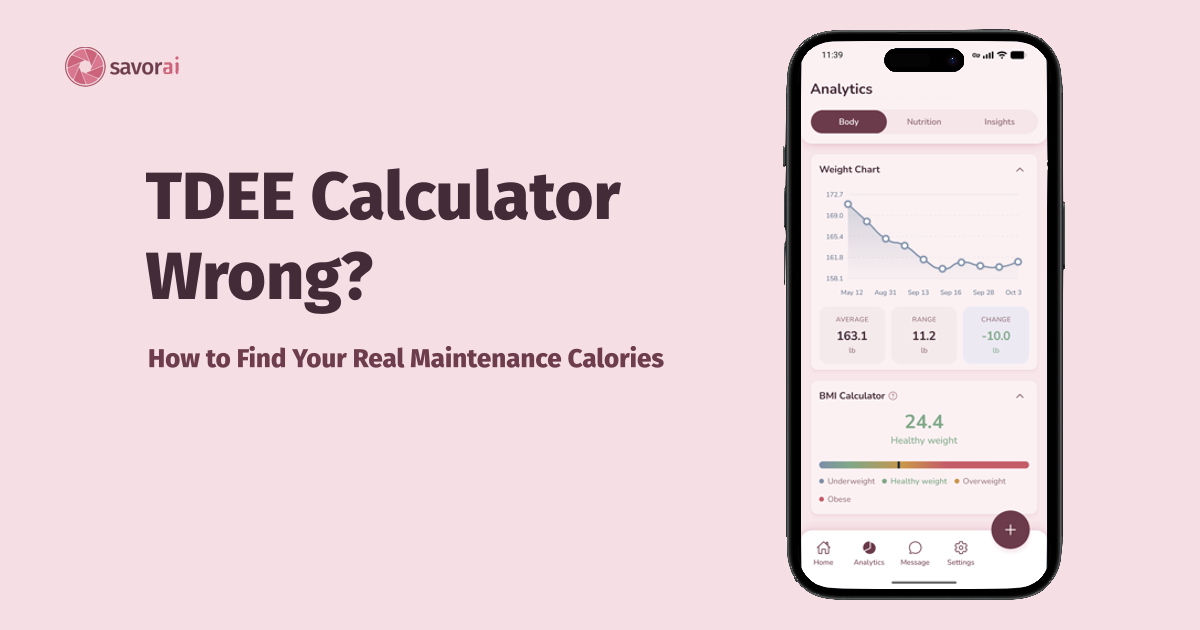
You've been tracking your calories meticulously, eating at or above your calculator's maintenance number, and you're still losing. Or you're trying to lose weight and you're losing faster than you thought you would. There are two main possibilities:
- The TDEE calculation is off.
- You're over-reporting the calories you eat.
It's usually the calculator, but it's worth checking both. I'll also show you how to find your real number from your own data.
Personally, I was surprised to find I was losing weight at over double the speed my tracking app, SavorAI, said I would. After losing 17 pounds over a few months and running the calculations, I found out I was either over-reporting my calorie intake or my TDEE was straight up wrong. Turns out my TDEE was a bit higher due to my daily activities.
Losing weight faster might seem like a good problem to have, but if it's too fast, it can make it harder to hold on to muscle and keep your energy up while in a deficit. I cover where that line is near the end.
Can you lose weight eating at or above your calculated TDEE?
Yes. The TDEE from a calculator is an estimate with a large error range. Generally, the equations don't account for factors like body composition, and the calculators that use them don't have a good way to pin down your activity level. There's hardly anything to check them against.
Frankenfield et al. is a 2005 systematic review that found the Mifflin-St Jeor equation (one of the most widely used, including in online calculators) predicted resting metabolic rate (RMR) within 10% of the measured value in more people than any other equation. Even so, it found that "noteworthy errors and limitations exist when it is applied to individuals." In the evidence analysis behind that review, Mifflin-St Jeor landed within 10% for roughly 82% of non-obese adults and 70% of obese adults, which still leaves about 1 in 5 and 3 in 10 people outside that range.
On top of this, there's no set standard for activity multipliers across online calculators. Everyone does it a bit differently, which skews things. The most common set runs from 1.2 (sedentary) to 1.9, but the labels shift: "very active" is 1.725 in some calculators and 1.9 in others. For someone with a resting burn of about 1,500 calories, that's roughly 2,590 versus 2,850 for the same label.
Not to mention, NEAT (non-exercise activity thermogenesis) can differ by up to 2,000 calories per day between people of similar size, according to Endotext's chapter on NEAT.
So it's quite likely your TDEE calculator is off by a few hundred calories. (For example, on a resting burn of 1,600 calories, a single step from the 1.375 multiplier to the 1.55 multiplier is already a 280-calorie difference.) Given these factors, that's normal, and it's precisely why you should adjust based on your own results if you're unhappy with your rate of progress. The same logic works in reverse if the scale isn't moving, which I cover in my post on tracking calories without losing weight.
Why is my TDEE calculator off?
To put those points into perspective, here are specific reasons your number might be off:
- The equation itself: The formula is built from group averages, so it will be a bit off for any individual, even if you're very close to "average" for your height, weight, age, and sex.
- The activity multiplier: As stated before, the same label can map to different multipliers in different apps (for example, "very active" is 1.725 in some and 1.9 in others), which gives you different results from the same equation.
- Daily activities you don't think of as exercise: Commuting, walking, a job where you're constantly moving, fidgeting (this is NEAT again). Picture someone who bike-commutes to work every day and rock climbs twice a week, but picks "light" or "moderate" because they don't think of the commute as exercise. For most people, that's a real amount of daily activity.
- Body composition: The Mifflin-St Jeor equation uses weight, height, age, and sex, not muscle versus fat. People with more muscle tend to burn slightly more calories at rest.
- Calculator and device disagreement: Apps that connect to other apps can double count or miss activity. For example, your tracking app might add the calories burned from Apple Health on top of an activity level that already accounts for them (double counting). Or it might not use that data at all, which means you could have extra calories to spare that you don't realize you should be eating to reach maintenance.
Personally, I attribute most of my faster-than-expected weight loss to activity I didn't account for. I work at a place where I'm always moving, averaging 20k steps every work day while stocking, and I run half-marathons on top of all of this while in a deficit. I was already at the maximum activity level in my app, and I still lost twice as fast. It wasn't the app's fault, I just wasn't tracking my extra calories burned from exercise. Though this was partly intentional (here's why I don't log my runs).
Could my logging be the problem?
Absolutely. Though people tend to underestimate their calorie intake, there are quite a few ways to over-report it too:
- Raw versus cooked weights: Weighing your meat raw but logging it with a cooked entry, or weighing cooked rice or pasta but logging a dry entry. Cooking changes the weight (meat loses water, rice and pasta absorb it), so calories per gram are very different between the raw and cooked entries.
- Generous database entries: Some entries (especially user-submitted ones) may list more calories than your actual food. It's worth checking them against the packaging. I get into how database entries and portion estimates affect accuracy in another post.
- Logging oil or butter that stayed in the pan: You might've tracked all 4 tablespoons of butter you used to baste your chicken thighs, but a lot of that didn't end up on or in the chicken.
But if your logging is consistent and you weigh at least the calorie-dense foods in your meal (like oils, butter, and nut butters), over-counting is probably a smaller part of the story.
Could it just be water or a short window?
Even if you think three weeks of data is enough to lock in your rate of progress, it may not be. The first week or two of a deficit often shows extra water and glycogen loss, which makes the rate look faster than the actual fat loss. Each gram of glycogen is stored with several grams of water (Kreitzman et al., 1992, American Journal of Clinical Nutrition), so a drop in your carbohydrate stores can show up as pounds on the scale without much fat loss at all. It also depends on cycle phase, salt and water retention, and training.
This means three weeks of data is a great starting point, but don't be discouraged if you hit a plateau when you're trying to lose, or if the rate is faster than you expected at first. Check again in another three weeks.
How do I find my real TDEE from my own data?
- Log consistently for at least 14 days (longer is better). If you're in the first 14 days of a deficit, I'd recommend getting more data first, since that's when the water and glycogen shift is biggest, but you can still do this.
- Average your daily calories (some calorie tracking apps do this for you and let you export it).
- Use the average of your first few and last few weigh-ins (3 to 7 mornings each is ideal), not just the single first and last. Averaging reduces the error from day-to-day water swings.
- The equation:
(Δweight in kg × 7,700 kcal/kg) ÷ number of days= the daily deficit or surplus (Δweight = the change between your two averages). - If you lost weight, add that daily deficit to your average intake to get your TDEE. If you gained, subtract the daily surplus.
Let's say your average intake is 2,250 kcal per day. Maybe you lost 3.3 lb (1.5 kg) over 21 days, and that's your weight change. So 1.5 × 7,700 ÷ 21 = 550 kcal per day deficit. Add that to 2,250, and you have an estimated TDEE of about 2,800 kcal per day.
| Average intake | Weight change | Days | Daily deficit | Estimated TDEE |
|---|---|---|---|---|
| 2,250 kcal | -1.5 kg (-3.3 lb) | 21 | 550 kcal | about 2,800 kcal |
This is still heavily dependent on what happened during those 21 days, like your activity levels and how you logged your food. Not to mention, the 7,700 kcal/kg figure is an average. Hall & Chow note that this energy value is appropriate for modest weight changes in people with overweight or obesity, but is an overestimate in others, so if you're already lean, this math may overestimate your TDEE a bit. Their bigger point is that the "3,500 kcal per pound" rule fails to account for how energy balance changes over time, which is why it works better for looking back over a few weeks than for predicting months ahead. Your log quality matters too. Above all, staying consistent with the methods you used during the days you're doing the math for is key to steady progress.
If you want to run your own numbers, the site has a free TDEE calculator that does this math and blends it with the standard equation depending on how many days you've logged. Other versions of this tool exist, but this one is free with no sign-up. And if you need somewhere to keep the log itself, SavorAI is what I use.
Is it a problem if I'm losing faster than expected?
It depends on two things: whether you're trying to lose weight, and how fast you're actually losing it.
If you're trying to lose weight, faster than your app predicted isn't automatically too fast. What matters is the rate relative to your body weight. In a randomized study of 24 athletes (Garthe et al., 2011, International Journal of Sport Nutrition and Exercise Metabolism), those aiming to lose about 0.7% of their body weight per week gained lean mass and strength while losing fat, while those aiming for about 1.4% per week did not gain lean mass. Note, these were athletes doing resistance training four times per week, and a 12-month follow-up found no significant differences between the groups, so this is mostly about short-term body composition. For a 160 lb person, 0.7% is about 1.1 lb per week and 1.4% is about 2.2 lb per week.
So if you're under about 1% of your body weight per week, you're probably fine as long as your energy, sleep, and training feel normal. If you're consistently above that, or you feel run down, the simplest fix is to eat a bit more, then check again over a few weeks (remember, the first weeks include extra water).
If you're not trying to lose weight, that's a different situation, and a calculator being off doesn't explain it. Mayo Clinic's rule of thumb is to see a healthcare professional if you lose more than 5% of your weight over 6 to 12 months without trying (and even a smaller loss can matter if you're older or have ongoing medical issues). That's a conversation for a doctor, not something to fix in an app.
In essence, losing faster than expected is usually a sign your calculator was low, not a sign something is wrong. It's still worth checking how fast it actually is.
TLDR
In essence, a TDEE calculator is an estimate that can easily be off by a few hundred calories, so losing weight at or above your "maintenance" isn't as strange as it sounds. Check your logging for over-reporting (raw versus cooked weights, generous entries, oil that stayed in the pan), give it more than three weeks, and then use your own data to find your real number: your average calories, the change in your average weight, and 7,700 kcal per kilogram. If you're losing faster than you intended, eat a little more. If you're losing without trying, talk to a doctor.
Your calculator gives you a starting point. Your own logs give you the answer.